Fake CAPTCHA Scams In 2026: How To Spot And Stop Them
You tap onto a site to check a shipping update or download a free file. A familiar box appears: “Please verify you’re human.” You’ve clicked thousands of these, so you tap without thinking. Except this time the screen doesn’t load a page. Your messaging app pops open with a stranger’s number already typed in and a message ready to send. That single tap launches a new wave of fake CAPTCHA scams that quietly turn your phone bill into a payout for international fraudsters. The trick is clever, the damage is real, and the worst part is how ordinary the trap looks. In this guide you’ll learn how the scam works, the red flags that give it away, and the habits that keep you, your family, and your small business safe.
What Fake CAPTCHA Scams Actually Look Like
A real CAPTCHA is the harmless puzzle you’ve solved a million times: pick the squares with traffic lights, type the wavy letters, or tap a checkbox that says “I’m not a robot.” Legitimate CAPTCHAs run entirely inside your browser. They never need your phone’s messaging app, your contacts, or your dialer.
Fake CAPTCHA scams hijack that familiarity. Security researchers at Malwarebytes documented a recent wave of these pages in spring 2026, and threat intelligence firm Infoblox tracked more than 120 distinct campaigns delivering them over a four-month stretch starting in late 2025. Victims typically arrive on the fake page through a poisoned ad on a streaming or download site, a typosquatted domain that looks almost identical to a real telecom or shipping company, or a redirect from a sketchy search result.
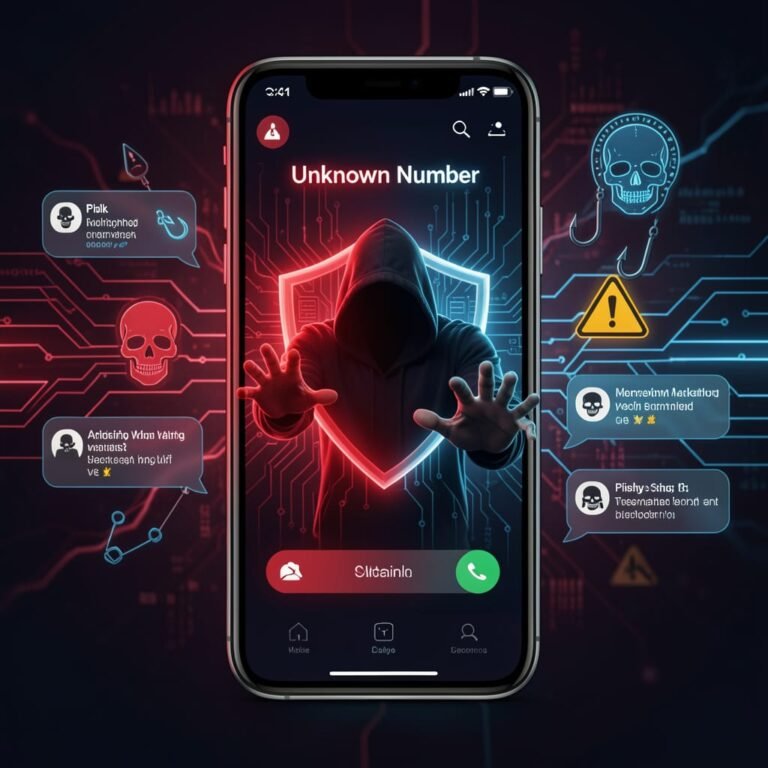
The page itself looks ordinary. You’ll see a basic image grid, a quiz-style question, or a “press and hold” button. The instruction usually reads something like “Tap here to confirm you are a human” or “Verify your number to continue.” When you tap, your phone doesn’t load a confirmation screen. Instead, your default SMS app launches with a prefilled message body and a long list of recipient numbers already typed in.
If you hit send, you’ve just paid the criminals.
Why This Scam Pays Off (And Why It Isn’t Really About You)
The technical name for the underlying fraud is International Revenue Share Fraud, or IRSF. It’s sometimes also called SMS pumping. Here’s the short version: when your phone sends a text to an international number, your carrier pays a small fee to whichever overseas carrier “terminates” the message on their network. Criminals lease premium-rate number ranges in countries where those termination fees are unusually high and where oversight is loose. Every time a victim’s phone fires off a text to one of those numbers, the criminals get a cut of the inflated termination fee.
The fake CAPTCHA is just the funnel. One Malwarebytes investigation traced a single campaign that lined up 35 phone numbers across 17 countries, with multi-step “CAPTCHAs” capable of triggering up to 60 outbound texts per victim. A typical victim sees roughly $30 in surprise international charges, but heavy abuse cases run into the hundreds.
This is why the scam keeps spreading: the criminals don’t need to install malware, steal your password, or trick you into wiring money. They just need you to send a few text messages. Your phone does the heavy lifting, and the cost lands on your monthly bill three weeks later.
Six Red Flags That The “CAPTCHA” Is A Trap
Once you know the pattern, fake CAPTCHA scams are surprisingly easy to spot. Train yourself, your kids, and your employees to pause whenever they see any of the following.
- The CAPTCHA asks you to open your messaging app. Real CAPTCHAs never need to launch SMS, iMessage, WhatsApp, or your dialer. If a prompt opens any of those, close it immediately.
- The “verification” involves sending a text to confirm a number you didn’t enter. Legitimate two-factor codes are sent to you, not from you. If a site asks you to text out a code, that’s not verification — that’s payment.
- Multiple short steps that each look almost identical. Fake CAPTCHA flows often chain three to six near-identical screens. Each tap fires off a fresh batch of texts. The redundancy is the scam.
- Prefilled recipient lists. When the SMS app opens, look at the “To” field. If you see a long string of numbers, especially with country codes you don’t recognize (+228, +252, +234, +371, etc.), the message is an outbound payment, not a verification.
- The back button doesn’t work. Many fake CAPTCHA pages run a script called “back-button hijacking.” Tapping back rewrites your browser history and dumps you right back on the scam page. Force-quitting the browser tab is the only reliable way out.
- You arrived from a popup, a misspelled URL, or a search result that “felt off.” Almost no victim taps a fake CAPTCHA through a normal first-party site. They’re funneled in through malvertising, typo squat domains, or redirects from cracked-software pages, free streaming sites, or sketchy shopping ads.
If two or more of those red flags show up at the same time, treat the page like a hot stove. Close the tab and walk away.
What To Do If You Already Tapped Through
Catching the scam in the moment is ideal. Catching it three weeks later on your bill is more common. Either way, you have options.
If the SMS app just opened and the message hasn’t been sent yet, do not press send. Tap the back arrow inside the messaging app, delete the draft, and force-close your browser. Don’t try to “navigate away” from the underlying webpage; the script may push you back in. Use your phone’s app switcher to swipe the browser tab off the screen entirely.
If you have sent the texts, the next 48 hours matter. First, check your sent-messages folder and screenshot anything you sent. Second, dial your carrier directly using the number printed on the back of your SIM card or in your account app (not a number from a search engine result). Ask them to (a) review international SMS charges on your account from the last 24 hours, (b) reverse anything tied to a premium or international short code, and (c) place an international SMS block and a premium SMS block on the line. Most major US carriers offer these blocks for free.
Third, file a report. The Federal Trade Commission collects these complaints and uses them to track new scam waves; you can submit a quick report through the FTC’s guide to recognizing and reporting spam text messages. You can also forward any suspicious incoming texts to 7726 (which spells “SPAM” on the keypad). That tip line is monitored by the wireless industry and helps carriers block the originating numbers faster.
How To Protect Yourself, Your Family, And Your Team
The good news: fake CAPTCHA scams collapse against a small set of consistent habits. Build these into your routine and the threat almost disappears.
Call Your Carrier And Turn On Two Simple Blocks
Every major US carrier offers free blocks for premium SMS and international SMS. They’re not on by default. Ten minutes on the phone with Verizon (dial *611), T-Mobile (dial 611), or AT&T (dial 611) will get both enabled. If you never send international texts, leave both blocks on permanently. If you travel and need them off, call back later and lift them.
Audit Your Phone Bill Once A Month
Scroll past the data summary and look at the message detail. Watch for small international SMS charges that don’t match anyone you know. A single $1.99 charge to a number in Latvia, Somalia, or the Maldives is the canary in this coal mine — not a $300 spike. Catch it early and you can dispute before the second month’s worth of charges shows up.
Slow Down On “Verify You’re Human” Prompts
This is the cheap, high-leverage habit: before you tap any verification button, ask yourself, “Did I expect this?” If the prompt appeared after you clicked a free download link, a streaming mirror, or a deal-too-good-to-be-true ad, treat it as hostile. The scam thrives on the fact that we tap CAPTCHAs on autopilot. Once you start treating them like decisions, the entire category of attack loses its edge. The same caution applies across other recent scam waves we’ve covered, including QR code phishing and quishing scams and toll-road smishing scams — they all run on the same “tap first, think later” reflex.
Block The Ad Pathway That Delivers The Trap
Most fake CAPTCHA pages arrive through malvertising and browser-based redirects. A reputable browser ad blocker (uBlock Origin on desktop, Brave or Firefox Focus on mobile) shuts down the majority of those redirects before you ever land on the scam page. While you’re cleaning up, take a few minutes to audit the extensions installed on your everyday browser — we walk through how in our guide to detecting and removing malicious browser extensions.
Talk To Your Team About The “Phone-Based” Scam Family
If you run a small business, employees’ personal phones are part of your risk surface. A bookkeeper who taps a fake CAPTCHA from a phishing email could rack up $200 in international SMS on a company line, but the bigger risk is the next click — one that drops them onto a credential-harvesting page or kicks off a callback phishing or TOAD attack. Build a five-minute monthly habit: share one scam you’ve seen and remind people that “verify you’re human” prompts inside emails or DMs are never legitimate.
Frequently Asked Questions
Can A Fake CAPTCHA Install Malware On My Phone Just By Tapping It?
For this specific scam family, no. The fraud monetizes outbound SMS, not malware. You’d have to actually press send in the messaging app for the criminals to earn anything. That said, malicious CAPTCHA pages can coexist with malware downloads on the same site, so close the tab and don’t tap anything else.
Will My Carrier Refund The Charges?
Usually yes, if you call within a billing cycle and clearly explain you were tricked. The carriers are losing money to this fraud too, and a documented IRSF case is typically reversed without much friction. Be polite, ask for a supervisor if needed, and request the international SMS block at the same time.
Is Forwarding Suspicious Texts To 7726 Actually Useful?
Yes. 7726 (SPAM) is monitored by the wireless industry and feeds into carrier-side filtering. It won’t pay you back, but it makes the originating numbers slightly less effective the next time they’re used. It takes ten seconds and there’s no downside.
The Bottom Line
Fake CAPTCHA scams work because they hide a payment behind a habit. A legitimate “prove you’re human” check never leaves your browser and never needs you to send a text. The moment a verification screen tries to open your SMS app or dialer, you’re not looking at security — you’re looking at a billing scheme. Close the tab, ask your carrier to turn on the international and premium SMS blocks, and skim your phone bill monthly for unfamiliar small charges. Share this with your family plan and your business line — the scam works on autopilot, and so does the defense. Want to stay ahead of the next attack pattern? Subscribe to the Making Sense of Security newsletter for a short, practical breakdown in your inbox every Friday.